
Turn Purchase Orders Into Pallet Plans
Import retailer POs, auto-generate stable pallet layouts, and export warehouse-ready PDFs. Built for logistics operators who need accurate plans, fast.
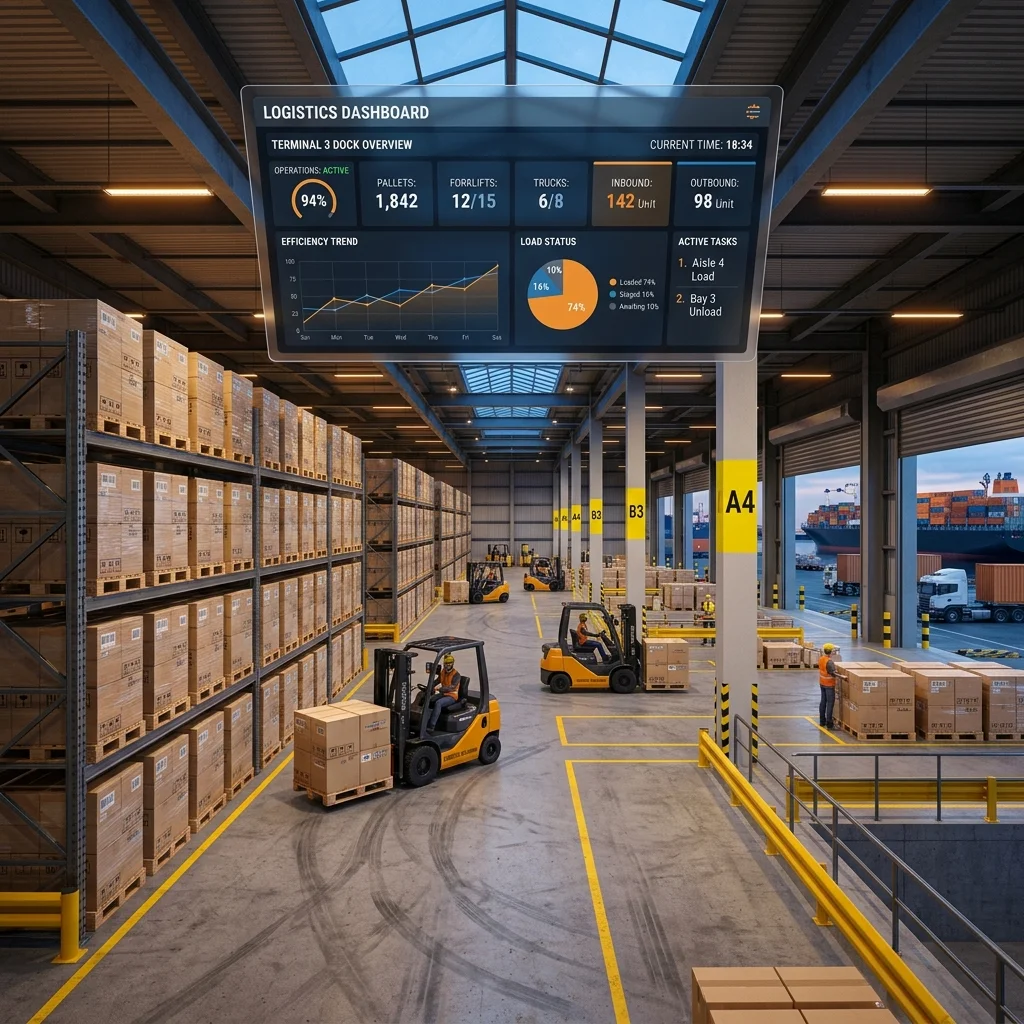
Purpose-Built for Retail Logistics
Every feature solves a real problem on the warehouse floor.
Multi-Retailer PO Import
Parse purchase orders from Walmart, Chedraui, Liverpool, and La Comer. Supports XLSX, CSV, INF, and ZIP formats with automatic retailer detection and EAN resolution.
Automatic Pallet Planning
Two packing strategies — bed (layered) and tower (columnar) — with department partitioning, kit substitution, and stability verification on every placement.
Warehouse-Ready PDF Plans
Export detailed pallet sheets with item manifests, layer tables, stacking diagrams, and exact box placement coordinates for your floor team.
How It Works
From PO file to printed plan in three steps.
1. Import
Upload your retailer's purchase order file. The platform auto-detects the format and maps every line — EAN, quantity, department, destination.
2. Plan
Review the auto-generated pallet layout. Adjust shipped quantities, consolidate or split destinations, and choose bed or tower packing per customer.
3. Export
Download the PDF plan. Each pallet sheet includes item-level detail, layer diagrams, and placement coordinates — ready for the warehouse floor.
Interactive Load Sandbox
Stack boxes onto the pallet to test load stability and watch the center of gravity shift.
Interactive Load Sandbox
Stack boxes onto the pallet to test load stability and watch the center of gravity shift.
Ready to streamline your palletization?
Import your first purchase order and generate a plan in minutes.
Launch Terminal